Module for Documentation and Traceability

Quins View – Traceability Software for Inspection and Repair Data

Traceability par excellence.
Quins View consolidates inspection logs, defect images, repair results and status information from your QUINS systems in one central location. Orders, projects, serial numbers and batches are clearly traceable. Production management and quality assurance gain a fast overview of ongoing and completed inspection processes.
Inspection Logs  ·  Defect Images  ·  Repair Results  ·  Serial Numbers  ·  Batch Tracking  ·  Order Status  ·  Multi-Line Overview
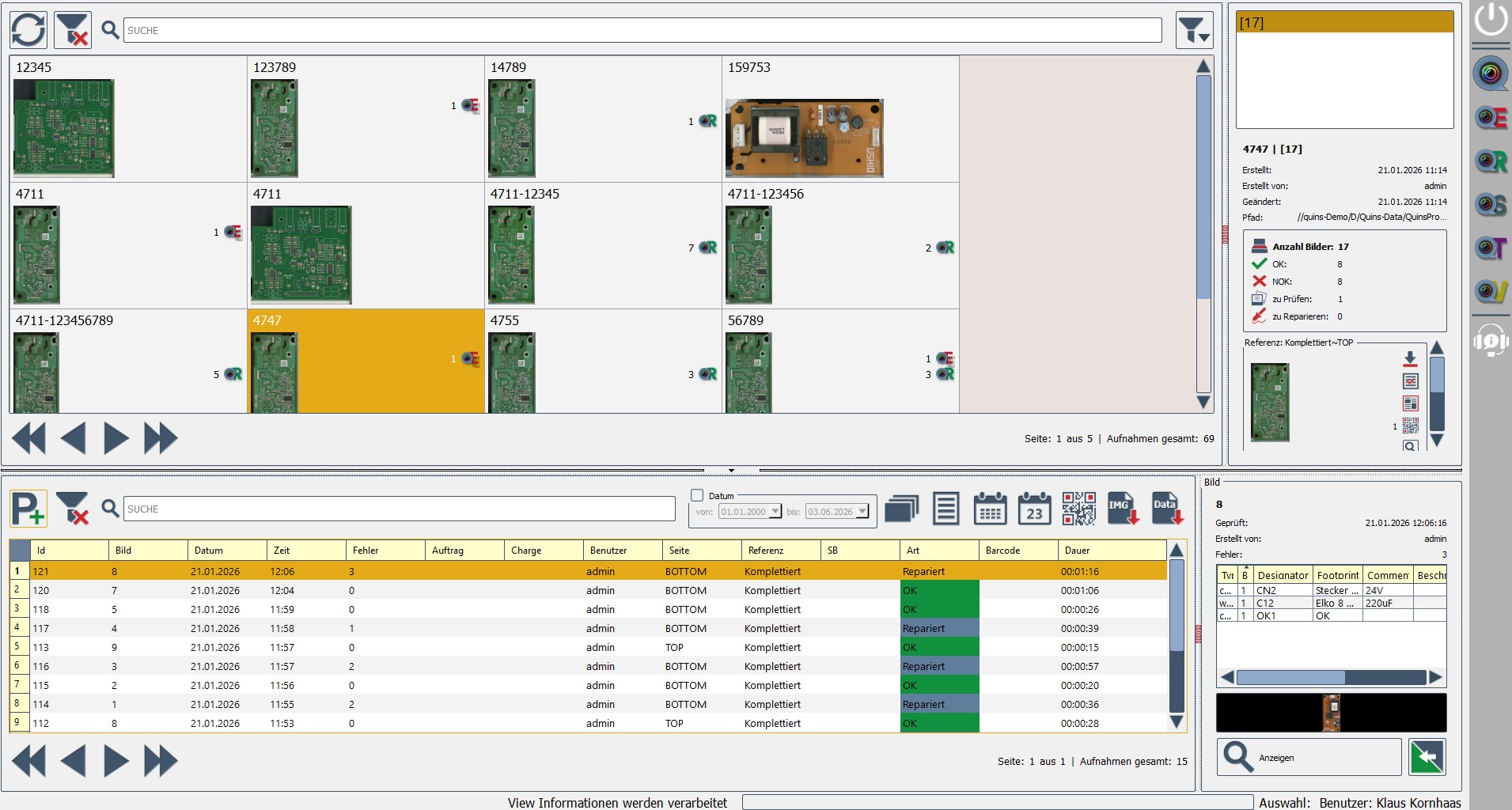
Quins View interface – central overview of inspection and repair data
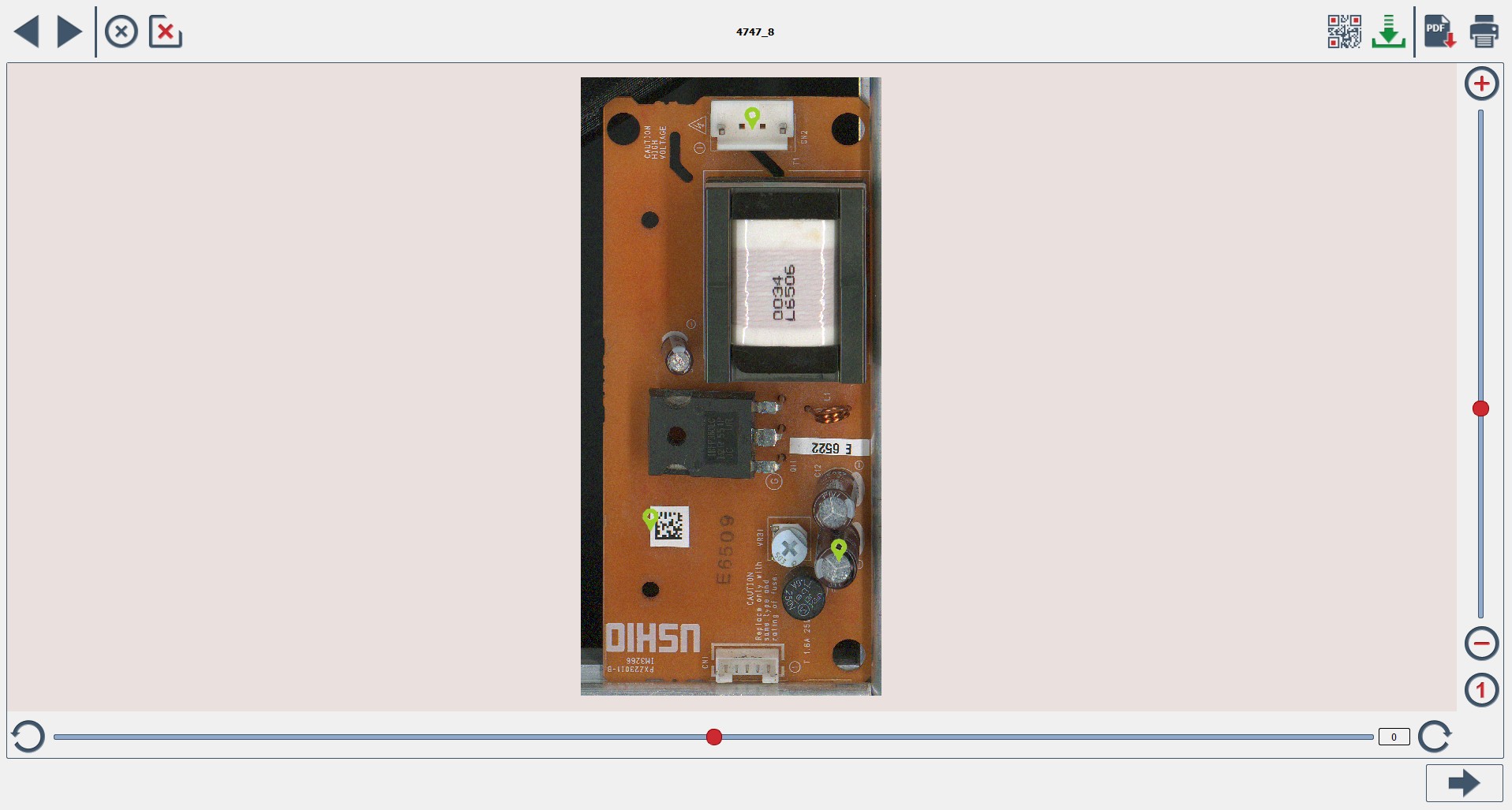
Quins View detail view – order overview with inspection results and defect images
Proof, documentation and traceability

Document quality data transparently and traceably.

All information from your inspection and repair results is automatically assigned to the relevant order, project or test specimen. Quins View provides fast access to inspection logs, defect images, repair results and archive data – so quality processes can be retraced, complaints handled more effectively and open inspection or repair steps identified faster.
Important: Quins View does not detect defects itself. The module collects, visualises, manages and documents inspection and repair data from the QUINS system.
Stored data

What information does Quins View manage?

Depending on the configuration in use, Quins View makes the following data centrally available for production and quality assurance.

Inspection logs

Inspection result, date, time, inspection station, operator, order, project, serial number and batch – displayed per order.

Defect logs & image archive

Defect location, defect type, image material and processing status. Inspection, reference and defect images are archived long-term by order or serial number.

Repair results

In combination with Quins Repair, processed defects, repair steps and final inspection results can be traced.

Order & project overview

Projects are displayed with status, associated orders, test specimens and available documentation data.

Serial number & batch traceability

Inspection and repair results can be uniquely assigned and filtered to an individual test specimen or a production batch.
From inspection to central quality proof

How Quins View works

Quins View is not a standalone inspection system – it is the documentation and traceability module within the QUINS software environment. It makes the results from connected inspection stations visible, traceable and accessible long term.
30+
Years of experience
100%
Made in Germany
Quins View project view in the inspection software
Traceability

Which traceability levels does Quins View support?

Traceability means the unambiguous assignment of inspection and repair information. Quins View supports the following levels:
Order
Which inspections belong to a manufacturing order?
Project
Which product or inspection configuration was used?
Serial number
Which individual test specimen was inspected?
Batch
Which production or material batch does the specimen belong to?
Operator
Who inspected, evaluated or repaired, and when?
Station & timestamp
At which system was the inspection or release carried out and when?
Software

Which QUINS module does what?

Quins View is the right module for central documentation and traceability. Separate, coordinated modules handle the actual inspection, repair management and statistical analysis.
Quins Easy – base inspection software Quins View – traceability and documentation Quins Repair – repair management Quins Statistics – quality analysis Quins Tools – data control

Quins Easy

The basis for simple optical inspection and structured inspection processes.

Quins Easy Plus

For advanced inspection tasks, first article inspection and optional automation functions.

Quins AIP

The automated inspection process supports standardised inspection sequences and recurring inspection tasks.

Quins UVI

For automated UV inspection, particularly for protective coatings and conformal coating.

Quins View

For automatic documentation and traceable inspection results.

Quins Repair

For repair and rework processes with clear feedback on identified defects.

Quins Statistics

For evaluations, KPIs and quality analyses based on inspection data.

Quins Tools

For data control, setup support and preparatory inspection processes.
Applications

Typical use cases for Quins View

Centralised inspection log management
Consolidate inspection results from different workstations and production areas in one central location.
Defect image archiving
Store image-based evidence of identified deviations long-term, linked to the order or serial number.
Repair status tracking
See which defects have been released for repair, are being processed or have been re-inspected.
Complaint handling
Use inspection, image and repair information as the basis for internal investigations and customer evidence.
Quality assurance support
Give quality managers fast access to current and historical inspection data.
Multi-line monitoring
Retrieve inspection results from different lines and workstations centrally – subject to multi-line support in the technical configuration.
System architecture

Technical information about Quins View

Product typeModule for documentation, archiving and traceability
System architectureModular, integrated into the QUINS software environment
Operating systemWindows 11, 64-bit
DeploymentLocal or networked
DatabaseSQL-based (MariaDB / MySQL)
Data sourcesConnected QUINS inspection and repair stations
User managementRole- and user-based access control
Multi-line operationPossible – to be clarified on a case-by-case basis
External interfaceAvailable – formats on request
Quality processesSupports documented inspection and repair processes as required in quality management systems (ISO 9001, ISO 13485 – application-specific assessment required)

Frequently Asked Questions

Experience Quins View with your inspection process.

Let us show you how Quins View consolidates inspection logs, defect images, repair results and order status from your QUINS systems in one central location. Together we will identify which serial numbers, batches and interfaces your process requires.
Central traceability
Fast complaint evidence
Made in Germany
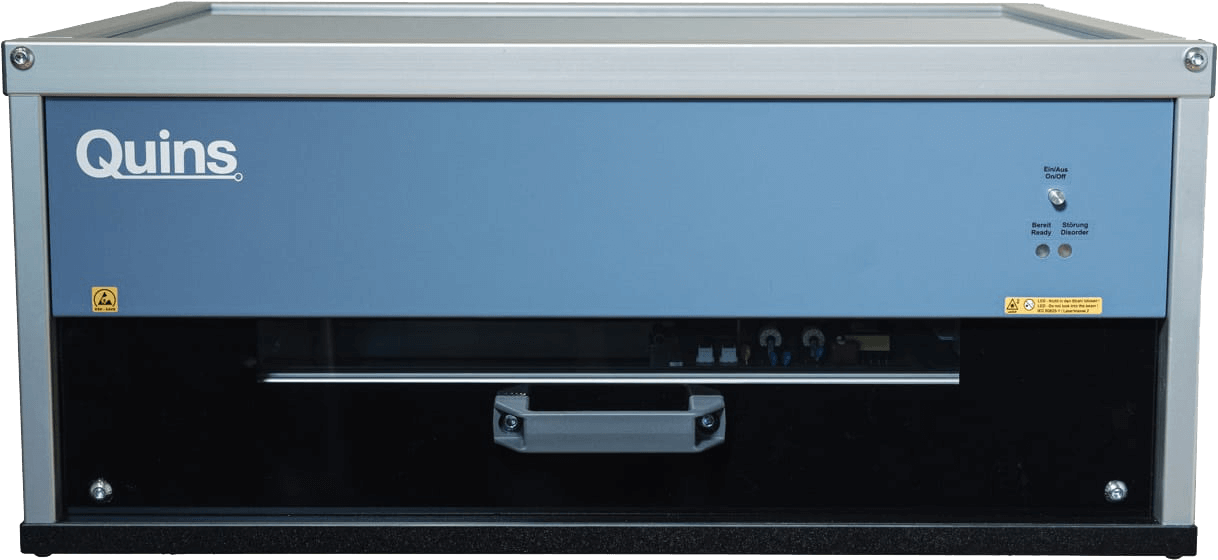
Quins Pro System